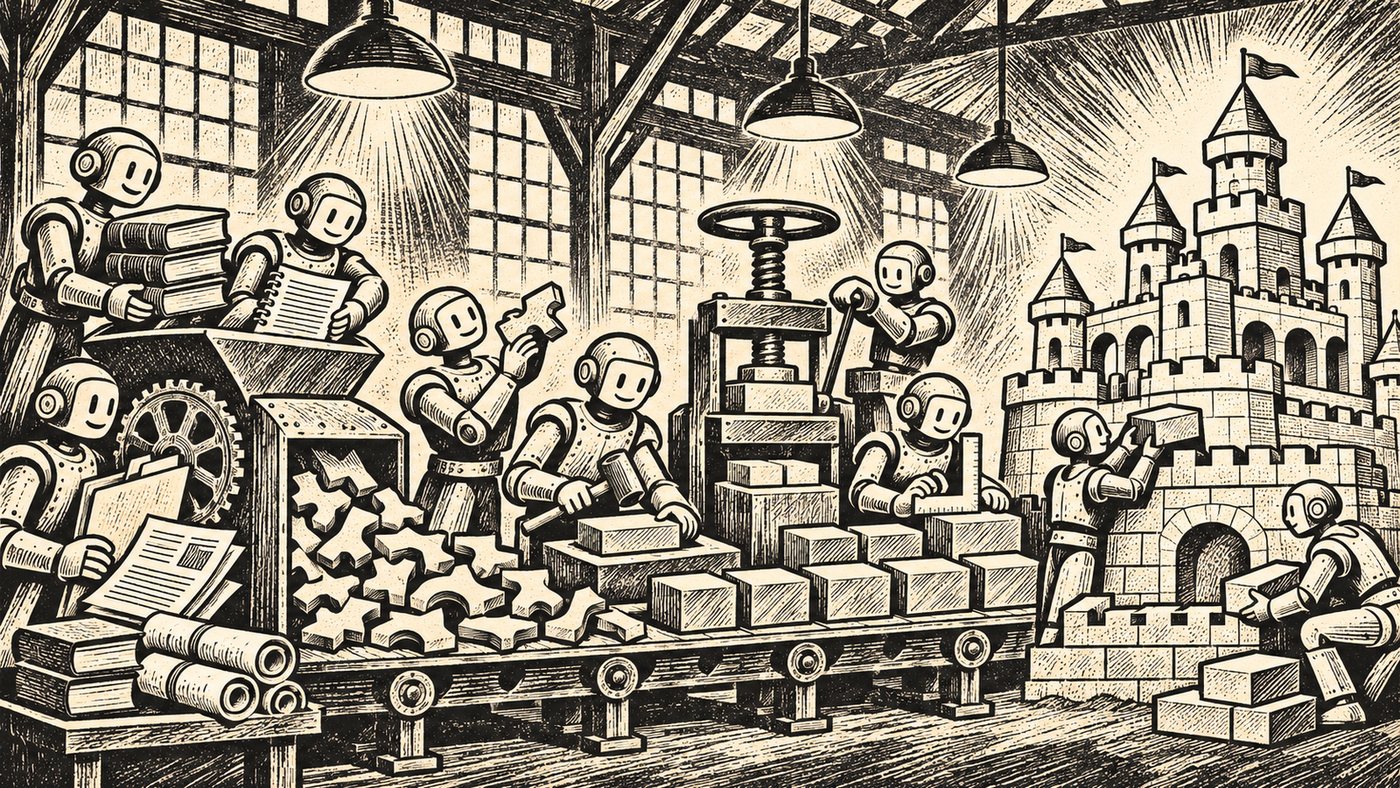
AI can help extract candidate applications, capabilities, technologies, strategies and relationships from documents, diagrams and spreadsheets. It should not turn every extracted statement directly into trusted repository data. The safer pattern: define the repository structure, collect a bounded set of sources, ask AI for structured candidate facts with citations, check duplicates and conflicts, route each fact to an accountable reviewer, and only then accept it.
AI reduces collection effort. It does not decide which source is current, which statement is authoritative or whether a relationship is true in the real organization.
Disclosure: I’m Nick Malik. I built Useful EA, a commercial set of architecture tools, and the section on Useful EA below describes it. The method in this article works with any repository and any AI assistant.
What source material can AI help process?
Depending on the tools and privacy controls available, candidate sources can include:
- application inventories and technology spreadsheets;
- PowerPoint and PDF architecture packs;
- Visio or exported diagram images;
- solution designs and project documents;
- policy and standards documents;
- service catalogs and approved CMDB exports;
- capability models and operating-model material;
- meeting notes or interview transcripts; and
- controlled document libraries.
Do not begin by giving an AI unrestricted access to every document. Start with one decision area, a known set of sources and an explicit information model.
How to build the repository with AI, step by step
1. Define what belongs in the repository first
Before extraction, identify the object types and relationships the repository accepts. For a small first pass, that might be:
- Application: name, owner, lifecycle state, annual cost and source.
- Business capability: name, parent capability, owner and source.
- Technology: name, version, support date and source.
- Strategy or objective: name, accountable owner, effective period and source.
- Relationships: application supports capability; application depends on application; technology enables application; initiative addresses capability.
Without this structure, the AI will produce prose or invent categories that cannot be reconciled consistently.
2. Ask for candidate facts, not a finished truth
Use language that preserves uncertainty:
PromptFrom these approved sources, propose candidate architecture records and relationships. For every candidate, provide the exact source, page or section, the evidence, the document date, and a confidence explanation. Do not infer a relationship merely because two items appear in the same document. Mark missing, ambiguous and conflicting information explicitly.
The output should be a review table, not an automatic import.
| Candidate fact | Source | Evidence | Confidence | Conflict | Proposed reviewer |
|---|---|---|---|---|---|
| Billing Portal supports Invoice Management | Solution overview, section 3 | Explicit statement | High | None found | Capability owner |
| Billing Portal depends on Identity Service | Integration diagram, page 7 | Directed connector | Medium | Diagram is 18 months old | Application owners |
| Legacy Billing is retiring in Q3 | Project deck, page 12 | Milestone label | Low | Inventory says Active | Portfolio owner |
Confidence is not truth. It is a way to prioritize review.
3. Preserve provenance as part of the fact
For each proposed record or relationship, retain enough evidence to answer:
- Which source stated this?
- When was that source created or last reviewed?
- Was the statement explicit or inferred?
- Who owns the relevant architecture domain?
- Who accepted the fact, and when?
- What other source disagreed?
If the repository cannot retain provenance directly, keep a controlled review file or source reference alongside the import. Do not discard provenance after acceptance.
4. Detect duplicates before creating records
Ask the AI to propose matches, not merge them automatically. "Customer Portal," "Client Portal" and "Digital Account Experience" may be aliases, related products or entirely different applications.
A duplicate review should compare stable identifiers, owners, vendors, URLs, cost centers, supported capabilities and known relationships. Names alone are weak evidence. Use three outcomes: same object (merge only after confirmation); different object (keep separate and explain the distinction); or unresolved (keep both candidates until an owner decides).
5. Treat conflicts as work, not noise
Conflicts reveal where architecture knowledge is weakest. Ask the AI to group contradictory claims by subject:
PromptList every subject for which the approved sources disagree. Show each claim, its source and date, and the owner who should resolve it. Do not choose a winner unless an explicit source-authority rule applies.
An old approved standard may be more authoritative than a recent project slide for policy, while the recent project record may be more current about an implementation. Authority is domain-specific.
6. Route facts to the right reviewers
One document can generate proposed changes across several domains. The application owner may confirm lifecycle and dependencies; the business architect may confirm capabilities; the technology owner may confirm versions and support dates; a strategy owner may confirm objectives. Avoid a single "approve all" action when no reviewer is accountable for all of the content.
7. Import only the accepted scope
Before import, produce a change set that shows records to create or update, relationships to add or remove, conflicts left unresolved, rejected candidates and the reviewer for each accepted item. Use the tool’s preview, scenario, branch or approval mechanism when one exists. If it does not, export a reviewable CSV or JSON file and require a person to confirm it before import.
8. Validate the repository by asking it questions
After the first accepted records are loaded, test whether the repository can answer the decision questions that justified the work:
- Which applications support Invoice Management?
- Which active applications have no accountable owner?
- Which technologies used by critical applications are nearing end of support?
- Which capability relationships came only from an unverified project document?
- Which records have conflicting lifecycle evidence?
If the repository cannot answer the intended question, adding more documents will not fix the underlying structure. The companion article on using a repository to answer architectural questions covers that step.
Can AI keep the repository current?
AI can repeat extraction, compare new material with existing records and propose changes. It cannot guarantee that every relevant source was available, that documents reflect operational reality or that silence means no change. A defensible refresh process records the source set, extraction date, proposed changes, reviewer and decision. High-impact changes should remain human-approved.
Where Useful EA fits
Useful EA doesn’t read your documents itself; the AI assistant you connect does the extraction, and Architecture Repository governs what gets accepted.
Claude, ChatGPT, Claude Code, Cursor and VS Code can connect to Useful EA directly at mcp.useful-ea.com. You sign in with your usual Useful EA account, and the assistant reads only what you can already open, with your permissions; it can’t change your models. A company’s administrator can turn assistants off for the company’s members. How to connect an AI assistant.
Connected to Architecture Repository, an assistant can read the repository’s metamodel, find existing elements and check a set of changes against the metamodel without saving anything. It can then submit what it found as a proposal for the repository’s editors to review:
- every finding must cite its source, where in that source, the exact quote (up to 3,000 characters), a reason and a confidence level, and can point to an existing element it may duplicate;
- nothing in the repository changes until an editor accepts the finding, and editors accept or reject each finding with a note; and
- the assistant can read back each decision and the element a finding became.
An assistant can only propose if you tick "propose changes" when you connect it and your company allows changes.
Without a direct connection, you can review an assistant’s output yourself and bring the accepted facts in through an import. Architecture Repository’s CSV import takes one element type per file and checks every row against the metamodel; if any row breaks a rule, nothing is imported. The import doesn’t keep the source or reviewer behind a fact, so keep that evidence in your review file. Application Portfolio Manager also takes one application at a time from an assistant’s summary: Add from JSON gives you a template built from your portfolio’s own fields, and nothing is saved until you review the form and click Save.
Only give architecture data to an AI assistant your organization has approved for that information. An export can include names, owners, costs and plans that are confidential.
Practical rule
Use AI to accelerate the movement from scattered evidence to reviewable candidate facts. Make accountable people responsible for deciding which candidates become enterprise knowledge. The useful output is not a repository filled quickly. It is a repository whose facts can be traced, challenged and corrected.
Sources
Vendor documentation is cited as context for how the market describes these patterns, not as evidence about Useful EA.
- Ardoq: Omnipresent AI Assistant — natural-language repository questions, document extraction and changes staged for authorized review
- Ardoq: Q1 2026 AI roundup — questions such as which applications support a capability, and diagrams converted into candidate data
- Enterprise Architecture Solutions: who governs the knowledge if AI populates your repository? — provenance, conflicting sources and domain-owner review
- BOC Group: ADOIT AI Assistant — natural-language search and limited object and relation operations under repository permissions